Online Booking for a Nail Salon Starts on Google and a Link You Own
Online booking for a nail salon is the path a client can finish without calling: Google Maps, the booking website, the service, the tech, the time. Calendar is free for up to 3 staff. $20/month unlocks unlimited staff and customers, plus Reserve with Google. Forwarding the shop number is a different product.
Contents · 7 sections
Online booking is a link the client can finish
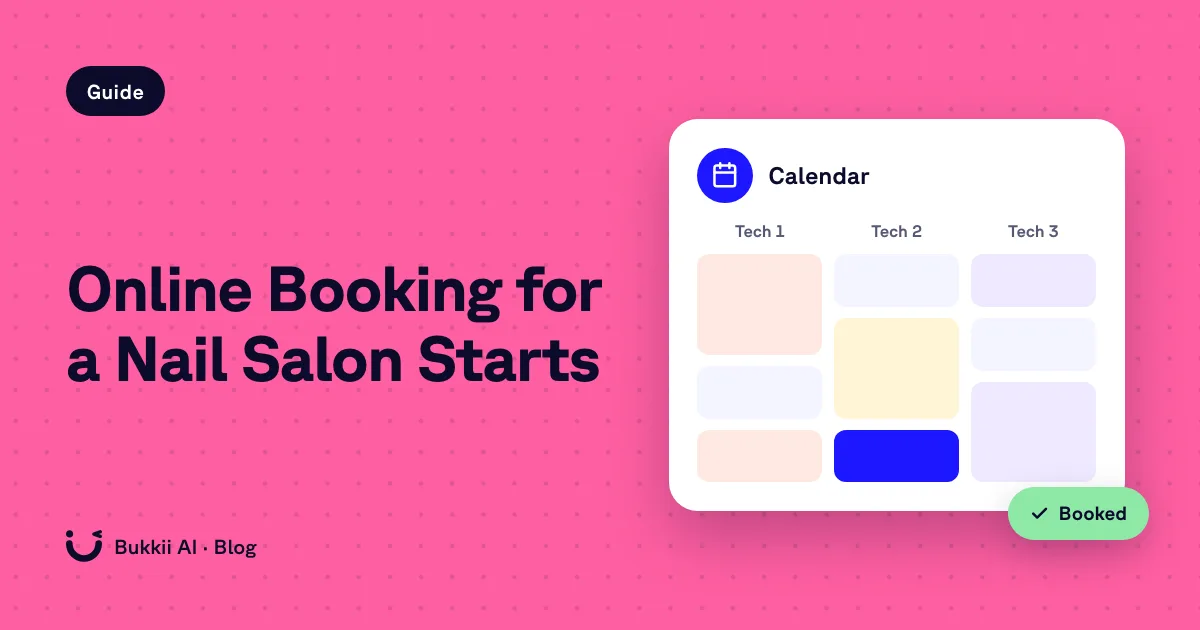
Online booking for a nail salon means a person can reserve a fill, a set, or a pedicure without calling and without downloading an app. The two places that reservation should exist are a booking website you control and the Book Online button on Google Maps. Calendar is those two, on one plan: Calendar is free for up to 3 staff. $20/month unlocks unlimited staff and customers, plus Reserve with Google. It does not answer the shop phone. If you searched the feature itself — durations, tech request, reminders — read nail salon online booking. The software shelf it sits on is nail salon software.
What you turn on
- Calendar, not a POS migration. Start Calendar free. Checkout can stay on the register you already use. We do not claim this replaces it. See nail salon POS.
- The menu and the staff. Put real services and every tech who should be bookable. Unlimited staff is the point: the Saturday column is not an extra seat fee. How that grid should work is scheduling software.
- The booking website. This is the page you can put in an Instagram bio, on Facebook, and on your own site. Product detail is on online booking.
- Reserve with Google. This is the Maps button. It is part of Calendar, not a second subscription, and not something the phone plan replaces. Walkthrough: Reserve with Google.
Calendar is free for up to 3 staff. $20/month unlocks unlimited staff and customers, plus Reserve with Google. Email reminders come with the $20 plan. SMS and voice are AIVA. AIVA is $200 one-time. No free trial.
Where the link has to show up
Nail clients do not go looking for a vendor’s marketplace. They are already on Google, looking at your listing, or on the social profile printed in the shop. Reserve with Google covers the listing. The booking website covers everywhere else you can paste a URL. You should not need them to create an account on a third-party app before they can ask for a time.
Search-side notes on being the page they find: online booking SEO. How the three paths — tap, call, door — fit together: nail salon booking.
What online booking will not do after you turn it on
- It will not pick up the published phone number. After-hours callers still need an answer after close. That answer is AIVA at $200 one-time. Get AIVA — $200.
- It will not sync itself into Mangomint, Vagaro, Booksy, or a counter POS. We do not claim that webhook. Keep those systems if they are the register or the book the floor trusts: Vagaro or Booksy, Mangomint.
- It will not charge per customer. The rebook list can be long. Unlimited customers is part of the $20 plan.
Mangomint and GlossGenius also sell online booking, inside larger suites, at the prices on best nail salon software (their pages, fetched September 22, 2026). Buy those if you want the suite. Buy Calendar if you want the link and the Google button without a per-tech meter.
A week-one picture
You add gel fill, dip, full set, and pedicure with honest durations. You add the four techs, including the one who only works Friday and Saturday. Maps gets Book Online. The bio gets the same book. A client taps, picks the tech, and lands on the calendar. You did not buy a new terminal to do that. The visit they created is an appointment: appointment software. The thing that stored it is booking software.
When the other client calls instead of tapping, Calendar is silent, on purpose. Forward the number to AIVA if that call is worth a chair. Hear her at (215) 791-6766. Both offers are on pricing.
Two offers: AIVA on the phone, Calendar on the book
Bukkii sells two layers. They are separate products. Calendar is free for up to 3 staff. $20/month unlocks unlimited staff and customers, plus Reserve with Google. AIVA is $200 one-time. No free trial.
AIVA — the phone layer — $200 one-time
AIVA is the AI receptionist for inbound calls. She answers the shop number, books the service, and texts the appointment. $200 one-time. No monthly plan fee. No free trial. Get AIVA — $200. Hear her at (215) 791-6766.
Calendar — the booking layer
Calendar is free for up to 3 staff. $20/month unlocks unlimited staff and customers, plus Reserve with Google. It does not answer the phone. Start Calendar free. Both cards are on pricing.
FAQ
How do I add online booking for a nail salon?
Calendar is free for up to 3 staff. $20/month unlocks unlimited staff and customers, plus Reserve with Google. Put the services and the techs on the book, then connect Reserve with Google so Maps can show Book Online. The setup lives on the booking and Reserve pages linked from this article. Calendar will not answer your phone.
Where should the booking link go?
On Google through Reserve with Google, and anywhere you already send people: the website, the Instagram bio, the Facebook page. The client should not need a new app account just to ask for a fill.
What is the difference between this and nail salon online booking software?
Same product, two searches. This page is the setup: Google plus the link you own. The online-booking page is what the menu has to contain so a nail appointment is real. Both point. Calendar is free for up to 3 staff. $20/month unlocks unlimited staff and customers, plus Reserve with Google.
Will online booking cover after-hours calls?
No. A booking page covers people who will tap. After-hours callers need a phone answer. AIVA is $200 one-time. No free trial.
Do I have to cancel my POS to turn this on?
No. Online booking from Calendar sits beside the register. We do not claim it replaces a nail POS or syncs two-way into one.